Your team already lives in Slack. Now PTO does too.
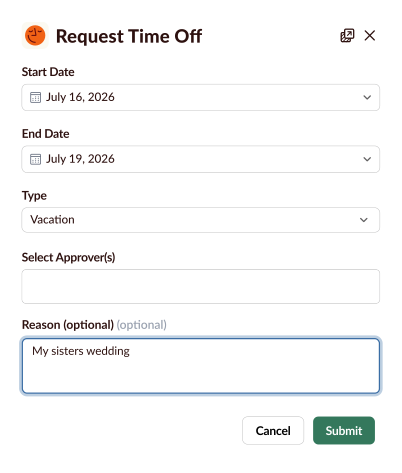
Clockout is the simple PTO manager that lives inside Slack. Request time off, get approvals, and keep your whole team in the loop — without leaving the conversation.







Always in sync
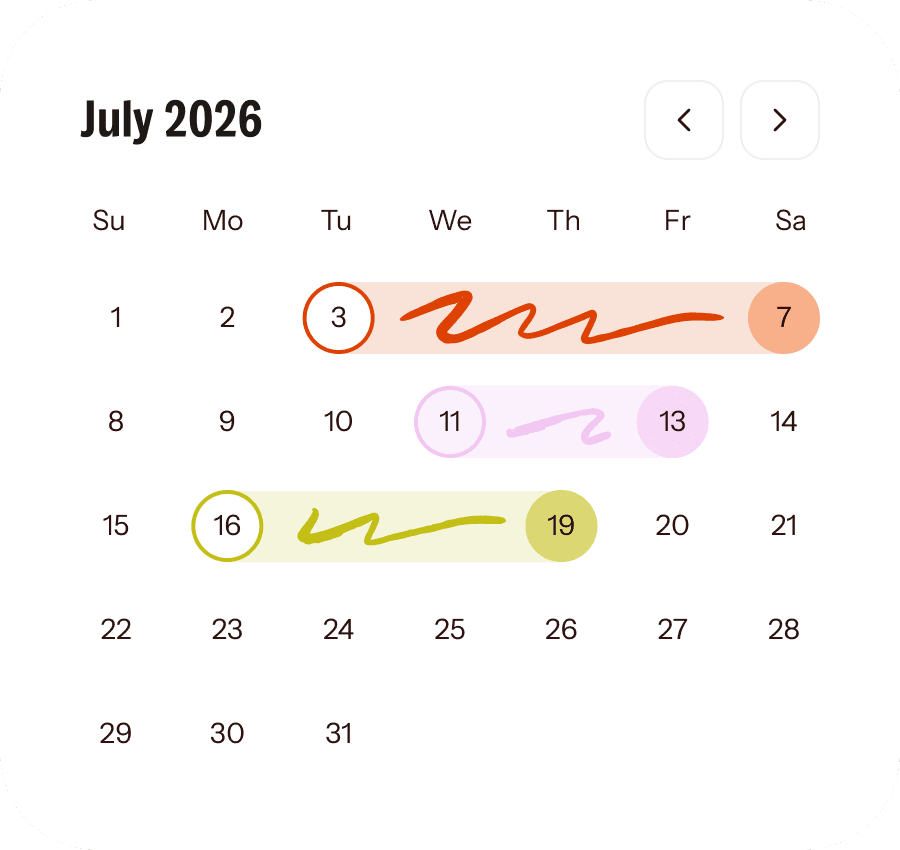
When someone's on PTO, their Slack status updates automatically. No more "are they out today?" messages.

Simple by design
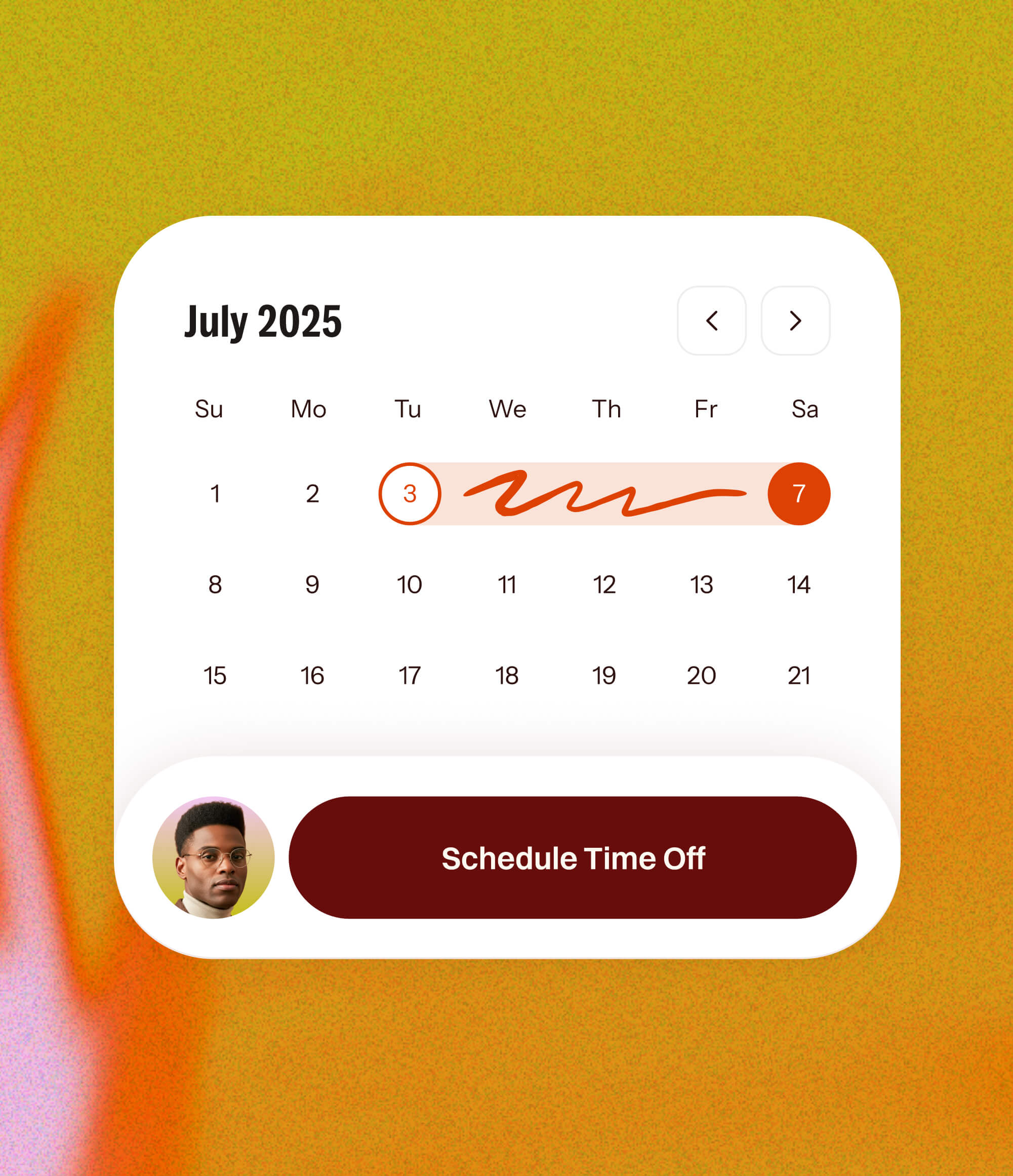
PTO syncs to Google Calendar and Outlook so it shows up everywhere your team checks their schedule.
$1 per user / mo
Vacation, sick days, personal time, parental leave — configure whatever leave types your team needs.
Features that support your team.
Fair pricing, no surprises.
The price you sign up for is the price you keep. Always.

$1 per user / mo
Custom leave types
Half-day leave
Google Calendar & Outlook sync
Team calendar view
Daily/weekly digests
Public & custom holidays
Unlimited teams
Questions? We’ve got answers.
How does Clockout work with Slack?
Clockout installs as a Slack app. Your team requests time off, checks balances, and gets approval notifications — all inside Slack. There's nothing else to download.
How long does setup take?
Most teams are up and running in under 5 minutes. Install the app, configure your leave types and departments, and you're good to go.
Do I have to manually add team members?
No. Clockout syncs with your Slack workspace daily and adds new members automatically.
What calendars does it sync with?
Google Calendar and Microsoft Outlook. Time off shows up on your team's calendars automatically.
Is there a limit on team size?
Clockout supports unlimited users. And with our pricing cap, you'll never pay more than $15/month — no matter how much your team grows.
Can I set up different leave types?
Yes. Create as many leave types as you need — vacation, sick, personal, bereavement, or anything else that fits your team.
What if I have multiple departments or approvers?
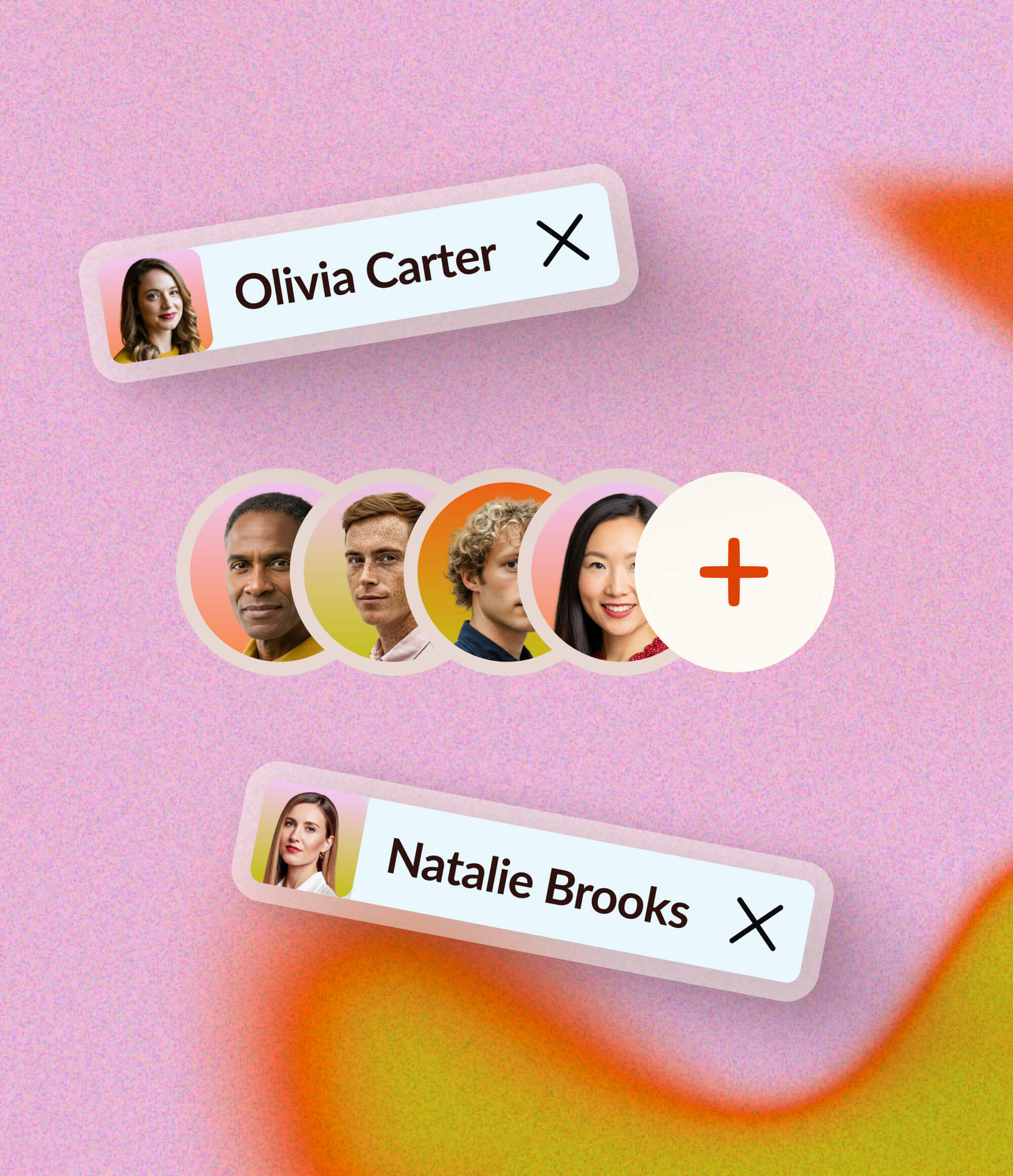
Clockout supports multiple departments with dedicated approvers, so requests always go to the right person.
Can I see my whole team's schedule in one place?
Yes. The admin dashboard gives you both a list and calendar view of all scheduled PTO across your team.
Give your team a better way to take time off.

" height="18px" id="YlxLNumUP" width="18px"/></svg>)
" height="18px" id="go6LpqYSe" width="18px"/></svg>)
" height="18px" id="CLO56vbv6" width="17.60391px"/></svg>)
" height="18px" id="oLcCVCNK8" width="18px"/></svg>)
" height="18px" id="GNkqnrEdn" transform="translate(4.5 0)" width="9px"/></svg>)